Cybersecurity myths – never write down your password
Even with the gradual increase in cybersecurity literacy amongst the masses, there are still some myths that people follow religiously, even Cybersecurity professionals. I will set out to bust some of those myths here. Many of the myths are because the world has changed and the advice is no longer valid. Cybersecurity myths can be spread by well-meaning people, but you need to consider them for validity in the current environment
In this series of posts about cybersecurity myths, I reveal some common areas of belief, and what you need to do.
You should never write down your password …?
Let me take you back in time. Back to an era where computers were exclusively in offices, there was no consumer internet, and a business would have their internal network that ran all their systems from a local computer room. A time when computers were green-screen terminals, with a thin-ethernet connection at 10Mbps was the latest high-speed technology. If your company had inter-office connections, they would be 64Kbps leased-line private connections. At this time, the main security risk to business computer systems came from people in the offices, physically at the terminal for the central computer system. This was when the concept of passwords was new for workers, and even though they were limited to 8 characters, people needed to write them down to memorise them – this was the time that PINs were set to 4 digits.
The risk vector
So, the threat was from a local person looking over your shoulder whilst you typed. This is the reason why your password is masked by stars or dots when you type it in. The physical risk was that someone would go to your terminal, find your password under your keyboard, or on a Post-it on your screen, and log in right then and there. A cleaner, a visitor, or even a nefarious hooded intruder, would be the one to see your unambiguous note of Password= written down.
The risk vector has changed
Now threat is no longer in your office. You are using your computer at home, or on your lap on a plane, or from your phone. The risk is now on the other side of the world, and they are not attacking your laptop, they are attacking the service that you are using. If you are working from home, the attacker needs to know where you live, where your password note is, and what systems the password has access to – all too much effort when there are easier targets.
Now the hacker groups are in a different country, and no longer looking over your shoulder. In some respect, the advice and capability to “lock” your computer (with W + L) has no effect on remote attacks, only with someone who is at your keyboard and mouse. The feature still exists in Windows, but it only helps in “public” or high risk areas (such as Defence etc.).
The inability of humans to be imaginative
The weak point in all security is normally humans. We can’t remember complex passwords, so we end up making them either short, simple, or use the same password for multiple systems. When we are forced to change a password, or press the “forgot password” link, we will either re-use a password we already have used, or simply iterate / slightly change an existing password. This is very insecure practice, but happens with almost everyone. Humans are habitual creatures, and we gravitate to what we know and remember – first pet’s name, street we grew up on, etc. – because we already know and remember those words, so they come up first when thinking of another word for our password.
Password Analysis from Troy Hunt (www.troyhunt.com)
First things first – we suck at choosing passwords. In analysis of one of the Sony breaches from 2011, a number of pretty shoddy practices were found:
- 93% were between 6 and 10 characters long
- 45% were comprised entirely of lowercase characters
- 36% were found in a common password dictionary
- 67% were reused by the same person on a totally unrelated service (Gawker)
- Only 1% of them contained a non-alphanumeric character
What this means is that in the scale of potential passwords – that is using all the characters available and making them as long and as unique as desired – passwords conform to very, very predictable patterns. In fact you only need to take a highly constrained range (such as 6 to 8 character lowercase) and you’re going to cover a significant number of passwords. Or alternatively, you take a list of common passwords in a password “dictionary” and you’re going to have a similar result.
<https://www.troyhunt.com/our-password-hashing-has-no-clothes/>
Unique passwords for all services and sites
The advice to have a different password for every site and service is almost impossible now. It is best practice, but most people have at least fifty accounts that they need to use – and you can’t make them all unique. You can use some of my advice for easy passwords so that they are all unique, but at some stage you are going to forget. Almost every service is an app or a login, each requiring a username and password, sometimes even other security information to “secure your access”, and so we end up re-using passwords. So, make it unique to each site and service – but how?
Write it down, treat it like cash
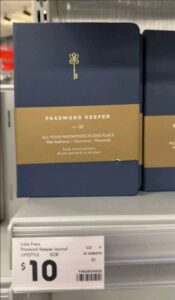
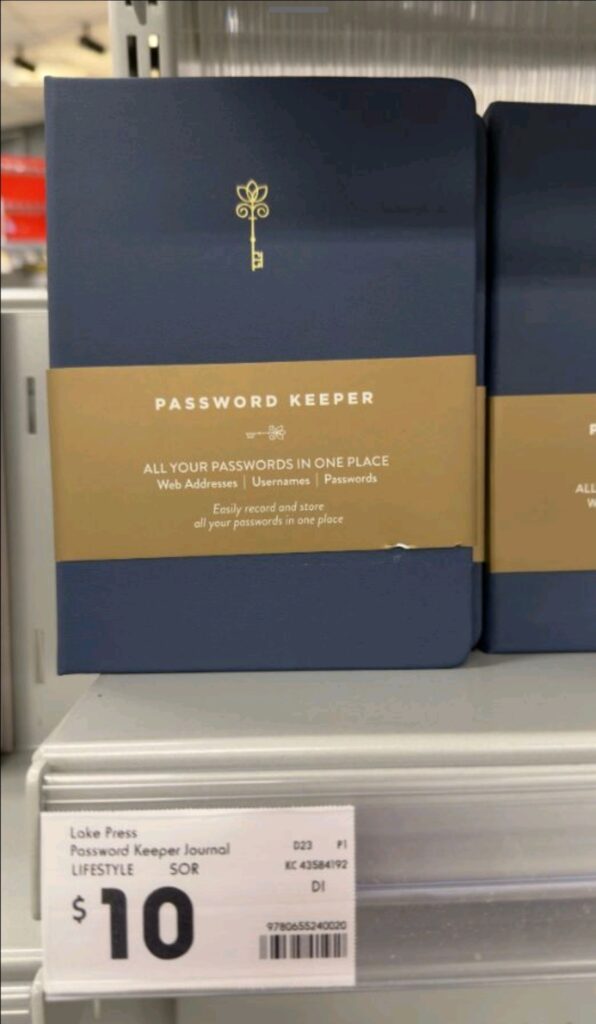
Do you leave cash lying around in the open? Imagine your bit of paper with a password on it is cash – and treat it the same way. Write down your passwords, but don’t give the notebook or pad the title of “all my important passwords are in here” and place it on your desk. Find a plain notebook, and write down your passwords. Perhaps you might be a little less obvious, and not put the all the information in there – not put your complete email address in the notebook, because you know the rest. Maybe don’t complete the password in your book because you know the first two letters of that password, and you only need a hint. Perhaps the best compromise is to only use the notebook for “unimportant” passwords, and you then only need to memorise the most vital accounts that you need;
- Your banking and other financial services
- Your main email account (or go passwordless)
- Your backup email account (where all your forgot password requests go to) – this should be an email account with no MFA, and a long password – in case you lose your phone with the MFA client
- Your password manager
- Work
When you need to ignore my advice
Of course, there are some people who need to not take my advice about not writing down passwords. You should not have a password book if you are in a very senior position in a big or important company – where you will be personally and physically targeted. This includes defence, finance, utilities and industry leaders. If you are a Colonel, a CEO, or a company founder – the attacker is most certainly after YOU, and will physically try to get to your password list in any way that they can. That is where a password manager is vital.
